Article Guide
Use these jump points to move through the article faster.
A few years ago, “AI” felt like something reserved for tech giants and science fiction. Today, it’s built into the tools you already use to run your WordPress site — and if you’re not paying attention, you’re leaving a serious competitive edge on the table.
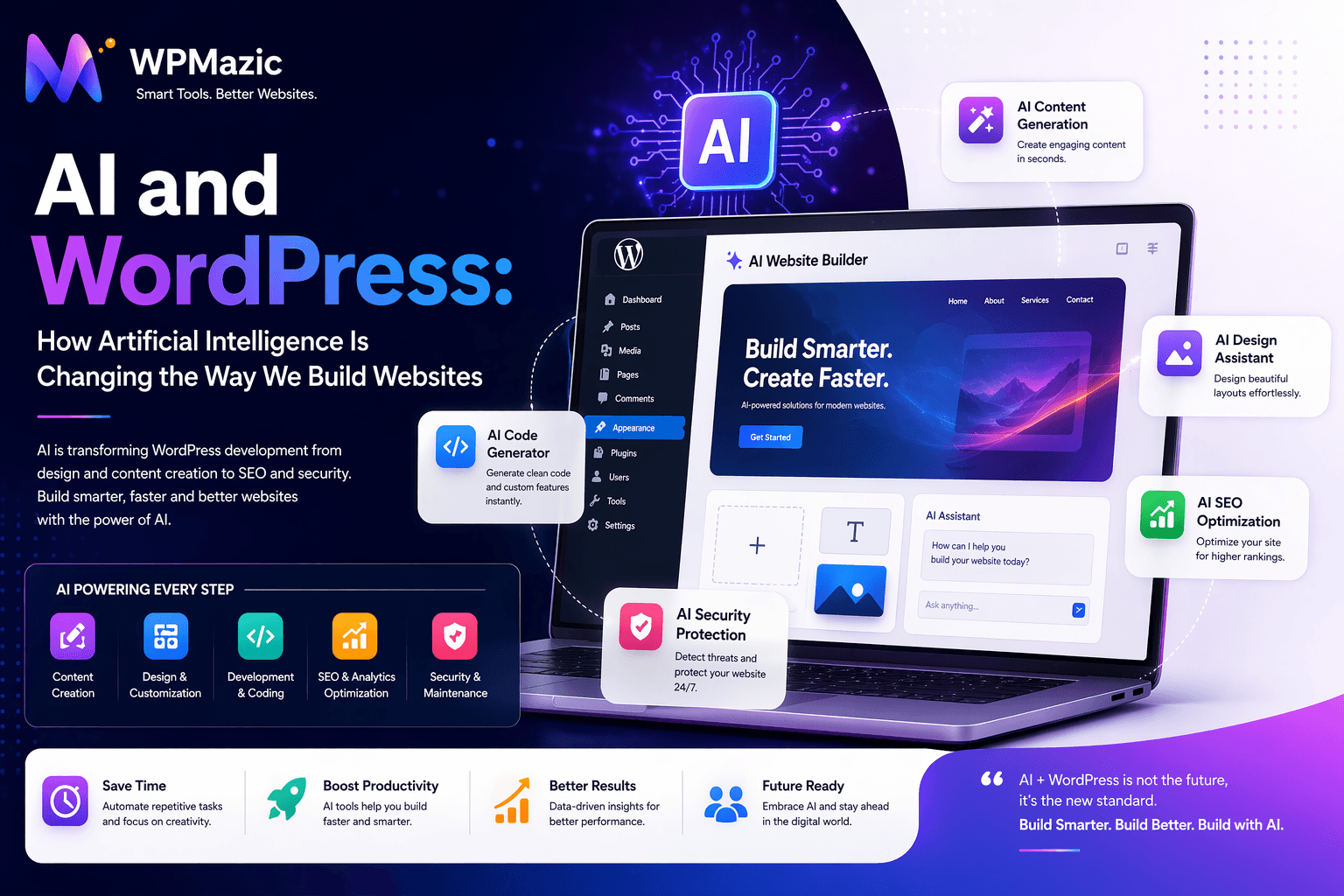
From writing content and optimizing SEO to generating images, personalizing user experiences, and automating support — artificial intelligence is quietly reshaping every corner of the WordPress ecosystem.
But here’s the thing: most WordPress users are either completely ignoring AI or using it in the most surface-level way possible (asking ChatGPT to write a blog post and calling it a day).
This guide goes deeper. You’ll learn exactly how AI is being used in WordPress right now, which tools are actually worth your time, how to use AI to grow your site faster, and what to watch out for. Whether you’re a blogger, business owner, developer, or agency — there’s something here for you.
1. What Does AI Actually Mean for WordPress?
Artificial intelligence in the WordPress context isn’t one single thing. It’s a collection of technologies — machine learning, natural language processing, computer vision, and predictive analytics — that are now embedded in plugins, themes, hosting platforms, and third-party tools you can connect to your site.
In practical terms, AI for WordPress means:
- Tools that write, edit, and improve your content automatically
- SEO plugins that analyze your pages and suggest optimizations in real time
- Chatbots that handle visitor questions 24/7 without human involvement
- Image generators that create custom visuals from a text prompt
- Personalization engines that show different content to different users based on behavior
- Security systems that detect threats using pattern recognition rather than manual rules
- Design tools that can build entire page layouts from a simple description
The WordPress ecosystem has always been driven by plugins and community innovation. AI is the biggest wave of new capability to hit the platform in years — and the plugins are getting better every month.
Quick Stat: According to recent surveys, over 65% of content creators now use AI tools in some part of their workflow. WordPress powers 43% of all websites. The overlap is massive — and growing.
2. AI for Content Creation in WordPress
This is where most people start with AI — and for good reason. Content creation is time-consuming, and AI can dramatically speed up the process.
What AI Can Do for Your Content
- Draft blog posts — Generate full article drafts from a topic or outline in seconds
- Rewrite and improve existing content — Sharpen sentences, simplify language, adjust tone
- Write product descriptions — Especially useful for WooCommerce stores with large catalogs
- Generate meta titles and descriptions — Optimized for SEO and click-through rate
- Summarize long content — Create TL;DR sections or social media snippets from articles
- Translate content — Multilingual content at a fraction of the traditional cost
- Write FAQs — AI can identify common questions around a topic and answer them automatically
The Right Way to Use AI for Content
AI-generated content works best as a starting point, not a finished product. The most effective approach is to use AI to handle the heavy lifting — structure, research synthesis, first drafts — and then add your own expertise, real examples, and original perspective on top.
Google’s helpful content guidelines don’t penalize AI-assisted content. They penalize low-quality, unhelpful content. The distinction matters: a well-edited, accurate, genuinely useful AI-assisted article is fine. A bulk-generated wall of generic text is not.
Pro Tip: When using AI to write for WordPress, always add a layer of human editing. Fix inaccuracies, add specific examples from your own experience, and make sure the tone sounds like your brand — not a robot trying to sound like your brand.
Top AI Content Tools for WordPress
- Bertha AI — Built directly into the WordPress editor. Generates content, rewrites, and creates copy without leaving your dashboard.
- AI Engine by Meow Apps — A highly flexible plugin that connects to OpenAI and lets you build custom AI workflows inside WordPress.
- Jetpack AI Assistant — Integrated into the Gutenberg block editor. Write, summarize, and transform content in one click.
- Copy.ai / Jasper (external) — Powerful standalone tools that pair well with WordPress through copy-paste or API integration.
3. AI for WordPress SEO
SEO used to mean manually researching keywords, writing optimized content, and hoping Google noticed. AI has made this entire workflow faster, smarter, and more data-driven.
How AI Is Changing WordPress SEO
- Keyword research at scale — AI tools analyze search intent, competition, and semantic clusters much faster than manual methods
- On-page optimization — Real-time suggestions for keyword placement, readability, internal linking, and schema markup
- Content gap analysis — AI identifies topics your competitors rank for that you haven’t covered yet
- Automated schema generation — FAQ schema, article schema, product schema — auto-generated and inserted correctly
- SERP feature optimization — AI helps structure content specifically for featured snippets, People Also Ask boxes, and knowledge panels
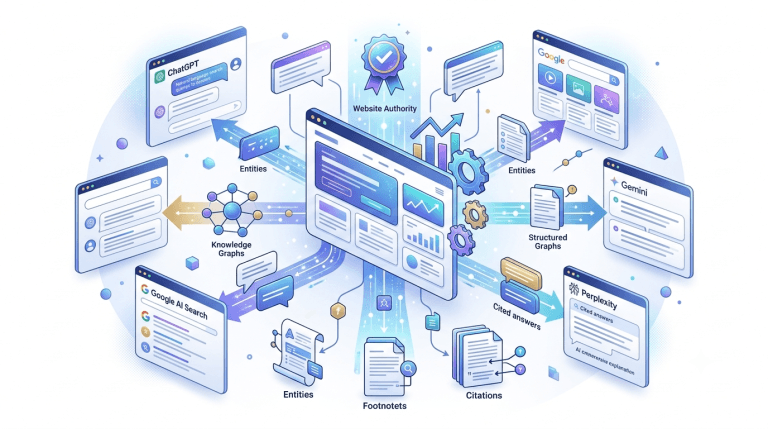
- AI search optimization — As AI-powered search engines (Google SGE, Bing AI) become dominant, content needs to be structured differently to appear in AI-generated answers
WPMazic SEO and AI
If you’re running a WordPress site and want SEO and AI working together in one place, WPMazic SEO is worth exploring. It combines on-page SEO analysis with site health monitoring — giving you a clearer picture of what needs attention without jumping between tools. As AI features continue to roll into SEO plugins across the board, having a solid SEO foundation in place makes adopting those features much smoother.
AI SEO Tools Worth Using
- Rank Math AI — Content AI feature that suggests keywords, optimizes content, and generates schema inside WordPress
- Yoast SEO + AI — Yoast’s AI features help generate meta descriptions and introductions directly in the editor
- Surfer SEO — External tool with deep content optimization. Integrates with WordPress via plugin
- NeuronWriter / Frase — AI-powered content briefs and optimization tools that tell you exactly what to write and how long
4. AI for WordPress Design and Themes
Building a good-looking WordPress site used to require either design skills or a big budget. AI is changing that fast.
AI-Powered Page Building
Several WordPress page builders have started integrating AI features that let you describe what you want and get a working layout in return. Instead of dragging and dropping elements for hours, you type something like “Create a landing page for a fitness coaching service with a hero section, testimonials, and a pricing table” — and the AI builds it.
- Elementor AI — Integrated directly into Elementor. Generate text, code, and now entire sections from a prompt
- Divi AI — Elegant Themes built AI into Divi’s editor. Generates content, images, and layout suggestions contextually
- Spectra (formerly Ultimate Addons for Gutenberg) — Includes AI-powered block suggestions and content generation
AI for Custom CSS and Code
Not a developer? No problem. AI tools like GitHub Copilot, ChatGPT, and Claude can generate custom CSS, PHP snippets, and JavaScript for WordPress without you needing to know how to code. Describe what you want — “make the header sticky and add a box shadow when scrolling” — and get working code back.
Pro Tip: Always test AI-generated code on a staging site before pushing it to production. AI code is usually correct but occasionally makes assumptions about your specific theme or plugin setup that cause conflicts.
5. AI for Image Generation and Optimization
Images are one of the biggest contributors to slow page load times — and also one of the biggest opportunities to stand out visually. AI helps on both fronts.
AI Image Generation for WordPress
Instead of spending hours on stock photo sites or paying a designer for custom graphics, AI image generators let you create unique, on-brand visuals from a text description in seconds.
- DALL·E 3 (via AI Engine plugin) — Generate images directly inside your WordPress dashboard
- Divi AI — Includes image generation tied to the context of your page content
- Adobe Firefly — Commercial-safe AI image generation. Images are trained on licensed content, safer for business use
- Midjourney / Stable Diffusion (external) — More powerful options for high-quality, custom imagery
AI Image Optimization for WordPress
Beyond creation, AI is also making image optimization smarter. Traditional optimization just compresses images. AI-powered optimization analyzes each image individually and applies the best compression settings for that specific image, preserving quality while reducing file size more aggressively.
- ShortPixel AI — Uses machine learning to optimize each image based on its content type
- Imagify — Smart compression with an AI-powered aggressive mode
- Smush Pro — Includes lazy loading and WebP conversion alongside AI compression
6. AI Chatbots and Customer Support for WordPress
Every visitor who leaves your site with an unanswered question is a missed opportunity. AI chatbots solve this by providing instant, 24/7 responses — without you needing to be online.
What AI Chatbots Can Do for Your WordPress Site
- Answer common questions about your products, services, or content automatically
- Qualify leads by asking pre-set questions before routing to a human
- Guide visitors to the right page or product based on their query
- Handle basic WooCommerce support — order status, return policies, shipping info
- Collect email addresses and add them to your mailing list automatically
- Provide personalized content recommendations based on what a visitor is reading
Best AI Chatbot Plugins for WordPress
- Tidio AI — One of the most popular options. Includes an AI bot (Lyro) that learns from your content and handles up to 70% of queries automatically
- ChatBot.com — Drag-and-drop bot builder with natural language processing. Integrates with WooCommerce
- AI Engine (Meow Apps) — Build a custom ChatGPT-powered chatbot trained on your own content. Highly flexible
- Drift / Intercom (external) — Enterprise-grade options with deep WordPress integration via plugin
Pro Tip: Train your chatbot using your own FAQ pages, product descriptions, and documentation. The more relevant context you give it, the more accurate and useful its responses will be. A generic out-of-the-box bot is far less useful than one trained on your specific site content.
7. AI for WooCommerce and eCommerce
If you’re running a WooCommerce store, AI can touch almost every part of your operation — from the moment a customer lands on your site to the moment their order ships.
AI-Powered Personalization
Amazon built its empire partly on “customers also bought” recommendations. That same technology is now accessible to WordPress store owners through AI plugins.
- Frequently Bought Together for WooCommerce — AI-driven product bundling and upselling
- Recombee / Nosto — Advanced personalization engines that integrate with WooCommerce to show each visitor personalized product recommendations
AI for Product Descriptions
Writing unique descriptions for hundreds of products is one of the most tedious tasks in eCommerce. AI can generate, optimize, and bulk-create product descriptions that are readable, SEO-friendly, and conversion-focused.
AI for Dynamic Pricing
Some advanced WooCommerce setups now use AI to adjust pricing dynamically based on demand, competitor pricing, and customer behavior — similar to how airlines and hotels manage pricing. Tools like Prisync and Wiser bring this capability to smaller stores.
AI for Customer Retention
- Predict which customers are likely to churn and trigger automated win-back emails
- Identify your highest-value customers and create personalized loyalty offers
- Analyze purchase patterns to forecast inventory needs
8. AI for WordPress Security
Traditional security tools work on rules — block this IP, flag that file extension, deny this request. AI-powered security goes further by learning what “normal” looks like on your site and flagging anything that deviates from it.
How AI Improves WordPress Security
- Behavioral threat detection — AI identifies unusual login patterns, traffic spikes, and suspicious file changes that rule-based systems miss
- Zero-day vulnerability protection — AI can detect novel attacks that don’t match known malware signatures
- Intelligent spam filtering — ML-powered spam detection in comments and contact forms is far more accurate than simple keyword filters
- Automated malware removal — Some tools can now identify and remove malware autonomously, without manual intervention
- Predictive patching — AI scans plugin codebases and flags potential vulnerabilities before they’re officially disclosed
AI Security Tools for WordPress
- Wordfence — Threat intelligence feed powered by ML that updates firewall rules in real time based on attacks across millions of sites
- MalCare — Deep learning-based malware scanning that detects complex, obfuscated malware that signature-based tools miss
- Patchstack — Virtual patching using AI to neutralize known plugin vulnerabilities before you even update
- Akismet — The gold standard for AI-powered spam filtering in WordPress. Trained on billions of spam examples
9. Best AI Plugins for WordPress in 2025
The AI plugin landscape for WordPress is growing fast. Here’s a curated list of the most useful tools across different categories:
| Plugin | Category | Best For | Free? |
|---|---|---|---|
| AI Engine (Meow) | Content + Chatbot | Flexible AI workflows, custom chatbots | Freemium |
| Bertha AI | Content | In-editor content generation | Freemium |
| Jetpack AI | Content + SEO | Gutenberg users, all-in-one sites | Paid |
| Rank Math AI | SEO | AI-assisted content and schema | Freemium |
| Elementor AI | Design | AI layout and content generation | Paid addon |
| Tidio AI (Lyro) | Chatbot | Customer support automation | Freemium |
| ShortPixel AI | Images | Smart image compression | Freemium |
| MalCare | Security | AI malware detection and cleanup | Freemium |
| Akismet | Spam | Comment and form spam filtering | Free (personal) |
| WPMazic SEO | SEO + Health | SEO management + site health monitoring | Check wpmazic.com |
10. Risks and Limitations of AI in WordPress
AI is powerful — but it’s not magic. Understanding its limitations helps you use it more effectively and avoid common pitfalls.
Content Accuracy Issues
AI language models can “hallucinate” — generating confident-sounding but completely false information. Always fact-check AI-generated content, especially statistics, quotes, dates, and technical claims. Never publish AI content without a human review.
Generic, Bland Output
Left to its own devices, AI produces content that’s technically correct but forgettable. It lacks personal experience, strong opinions, and specific details that make content genuinely valuable. Your editorial voice is still what differentiates you.
SEO Over-Optimization Risk
Some AI SEO tools can push you toward over-stuffing keywords or creating content that’s optimized for a tool’s scoring system rather than for real readers. Always sense-check AI SEO suggestions against what actually serves your audience.
Privacy and Data Concerns
Many AI tools send your content to third-party servers (OpenAI, Google, etc.) for processing. If your site handles sensitive user data, review the privacy policies of every AI tool you install carefully.
Plugin Bloat and Performance
Adding multiple AI plugins can slow down your WordPress dashboard and frontend. Be selective. Choose multipurpose AI plugins over narrow single-feature ones wherever possible.
Over-Reliance Risk
AI can handle the repetitive, time-consuming parts of running a WordPress site — but strategy, brand voice, and audience connection still need a human at the wheel. Use AI to do more, not to think less.
11. Pro Tips for Using AI on Your WordPress Site
- Start with one AI tool, not ten — Pick the highest-impact use case for your site (usually content or SEO) and get good at it before adding more AI tools.
- Build a custom prompt library — The quality of AI output depends heavily on the quality of your prompts. Save your best prompts for blog outlines, product descriptions, and meta tags so you’re not starting from scratch every time.
- Use AI for ideation, not just execution — AI is excellent at generating topic ideas, content angles, keyword clusters, and headline variations. Use it to think wider before you write deeper.
- Train chatbots on your own content — A chatbot trained on your FAQ, docs, and product pages is dramatically more useful than a generic one.
- Combine AI SEO tools with a solid foundation — Tools like WPMazic SEO help ensure your technical SEO and site health are solid before you layer AI optimization on top. AI SEO features work best on a well-structured site.
- Audit AI-generated images for brand consistency — AI images can look great in isolation but feel off-brand when placed next to your existing visuals. Define a consistent style or prompt template.
- Monitor AI chatbot conversations — Review chatbot transcripts regularly. They reveal what your visitors are actually asking — which is gold for content strategy.
- Stay updated — The AI plugin landscape is moving fast. A tool that was best-in-class six months ago may have been surpassed. Review your AI stack every quarter.
12. Frequently Asked Questions
Is AI-generated content safe to use on my WordPress site?
Yes, as long as it’s accurate, helpful, and genuinely serves your audience. Google doesn’t penalize AI-assisted content — it penalizes low-quality content regardless of how it was created. Always edit AI drafts, add original insights, and fact-check before publishing.
Will AI replace WordPress developers and designers?
Not anytime soon. AI makes it easier for non-technical users to build and manage WordPress sites, but complex custom development, strategic design decisions, and unique business logic still require human expertise. AI is more likely to change what developers spend their time on than to eliminate the need for them.
Which is the best AI plugin for WordPress beginners?
For beginners, Jetpack AI or Bertha AI are the easiest entry points — both integrate directly into the WordPress editor with minimal setup. For a more flexible option, AI Engine by Meow Apps offers more control once you get comfortable.
Can AI improve my WordPress site’s SEO rankings?
Yes — indirectly. AI can help you produce more content faster, optimize it better, generate schema markup, and identify keyword opportunities you’d miss manually. But AI doesn’t create rankings on its own. Quality, relevance, and authority still drive rankings. AI helps you achieve those things more efficiently.
Are there free AI plugins for WordPress?
Yes. AI Engine, Bertha AI, Rank Math (with AI features), Akismet, and Tidio all have free or freemium versions that give you meaningful AI capabilities without paying upfront. Most premium AI features require a subscription, but the free tiers are solid starting points.
How does AI affect WordPress security?
AI improves security through behavioral threat detection, smarter malware scanning, and intelligent spam filtering. Tools like MalCare and Wordfence use machine learning to detect threats that rule-based systems miss — including new, previously unseen attack types.
Can I use ChatGPT or Claude directly with WordPress?
Yes. Plugins like AI Engine let you connect your OpenAI API key to WordPress and use GPT models directly in your dashboard. You can also use Claude via Anthropic’s API through compatible plugins. This gives you more control over model choice, prompts, and costs compared to bundled AI tools.
Will AI make my WordPress site load slower?
Most AI functionality runs server-side or via external APIs, so it doesn’t affect your frontend load speed. However, AI chatbots load JavaScript on your site, which can add a small overhead. Offset this by using a fast host, enabling caching, and optimizing images — ideally with an AI image optimizer like ShortPixel.
13. Conclusion
AI isn’t coming to WordPress — it’s already here. The question isn’t whether to use it, but how to use it well.
The site owners and developers who are winning right now are using AI to produce more content, optimize it faster, serve visitors better, and catch security threats earlier — while keeping their own expertise and voice at the center of everything they do.
You don’t need to overhaul your entire workflow overnight. Pick one area — content, SEO, images, support — and start using an AI tool there. Learn how it fits into your process. Then expand.
And as you build out your AI-powered WordPress stack, make sure your foundation is solid. Clean technical SEO, healthy site performance, and smart site monitoring are what make AI tools actually effective. That’s where something like WPMazic SEO fits in — keeping your site’s health in check so every other tool you layer on top has the best possible base to work from.
The future of WordPress is AI-assisted. Start building it today.