Article Guide
Use these jump points to move through the article faster.
How to Fix Core Web Vitals in WordPress
Core Web Vitals are one of the most important ranking factors introduced by Google. If your WordPress website is slow, unstable, or unresponsive, your rankings and user experience will suffer.
In this comprehensive guide, we will explain what Core Web Vitals are, why they matter, and how you can fix them step by step to improve your WordPress website performance.
If you’re also dealing with security or performance issues, check our to protect your site from vulnerabilities.
What Are Core Web Vitals?
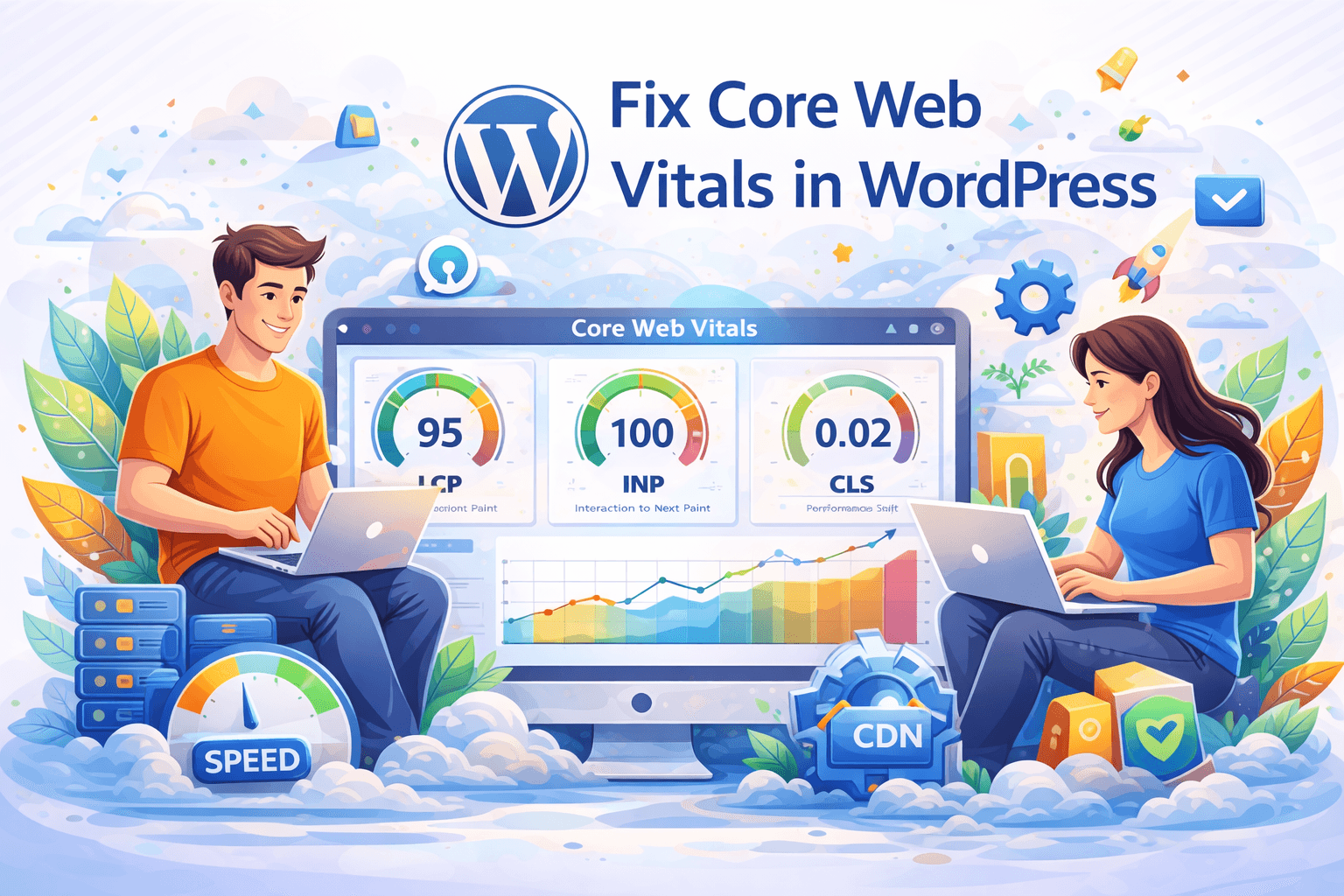
Core Web Vitals are a set of performance metrics defined by Google to measure user experience.
- LCP (Largest Contentful Paint) – Loading speed
- INP (Interaction to Next Paint) – Interactivity
- CLS (Cumulative Layout Shift) – Visual stability
Why Core Web Vitals Are Important
- Improve Google rankings
- Enhance user experience
- Reduce bounce rate
- Increase conversions
A slow website not only affects SEO but also reduces user trust. Optimizing performance is no longer optional.
Step-by-Step Guide to Fix Core Web Vitals
1. Improve Largest Contentful Paint (LCP)
LCP measures how fast the main content loads.
- Use fast hosting
- Enable caching
- Optimize images
- Use CDN
- Preload important resources
👉 Instead of manually handling multiple optimizations, you can simplify this using
WPMazic SEO performance modules,
which help improve loading speed, caching, and Core Web Vitals in one place.
2. Improve Interaction to Next Paint (INP)
INP measures responsiveness.
- Reduce JavaScript execution
- Remove unused scripts
- Use lightweight themes
Heavy scripts are one of the biggest causes of poor INP. You can also explore our
WordPress speed optimization guide
for advanced improvements.
3. Fix Cumulative Layout Shift (CLS)
CLS measures layout stability.
- Set image dimensions
- Avoid dynamic content shifts
- Use proper font loading
Modern optimization tools like
WPMazic SEO
help handle layout stability and performance enhancements automatically without complex configuration.
Best Tools to Measure Core Web Vitals
- Google PageSpeed Insights
- Google Search Console
- GTmetrix
Advanced Optimization Techniques
1. Use a Caching Plugin
Caching improves speed significantly.
2. Minify CSS and JavaScript
Reduces file size and improves loading speed.
3. Use Lazy Loading
Loads images only when needed.
4. Optimize Fonts
Reduce font loading delays.
5. Reduce Server Response Time
Use fast hosting and optimized server configuration.
Instead, use WPMazic SEO
to handle Core Web Vitals, speed optimization, and SEO improvements from a single dashboard.
Common Mistakes to Avoid
- Using heavy themes
- Too many plugins
- Unoptimized images
- Ignoring caching
Also, avoid using multiple overlapping plugins, as they can conflict and negatively impact performance.
Conclusion
Fixing Core Web Vitals is essential for improving your WordPress performance and SEO rankings. By following these steps, you can significantly enhance your website speed and user experience.
For faster and more efficient results, consider using
WPMazic SEO plugin,
which combines performance optimization, SEO, and advanced tools in one powerful solution.
Start optimizing today and stay ahead in search rankings.