Article Guide
Use these jump points to move through the article faster.
You publish content, install an SEO plugin, and wait for traffic.
But nothing happens.
If your WordPress site is not ranking on Google, the problem is usually not WordPress itself. In most cases, the real issue is a mix of technical SEO mistakes, weak content, poor keyword targeting, slow performance, or indexing problems. Google can only rank pages it can crawl, understand, and trust, and common WordPress settings or SEO gaps can block that process.
In this article, we’ll look at the most common reasons a WordPress website fails to rank and what you can do to fix them.
1. Your Site Is Blocking Search Engines
This is one of the most common and most overlooked WordPress SEO problems.
WordPress has a built-in setting called “Discourage search engines from indexing this site”. If that option is enabled, search engines may avoid indexing your website, which means your pages may never appear in Google results.
You should also check whether your site is being blocked by a noindex tag or a robots.txt rule, because either one can stop Google from crawling or indexing important pages.
How to fix it
- Go to Settings > Reading in WordPress.
- Make sure Search Engine Visibility is unchecked.
- Review your SEO plugin settings for accidental noindex tags.
- Check your robots.txt file and make sure important pages are not blocked.
2. Your Pages Are Not Indexed Properly
Sometimes your website is live, but Google still has not indexed your pages.
If a page is not indexed, it cannot rank, no matter how good the content is. Common indexing issues include missing XML sitemaps, poor internal linking, technical crawl problems, and accidental page-level noindex settings.
This is why Google Search Console matters. It helps you see whether pages are indexed, excluded, or affected by crawl errors, and several SEO guides recommend checking it first when rankings drop or pages disappear from search.
What to check
- Whether the page is indexed in Google Search Console.
- Whether your XML sitemap is submitted and working properly.
- Whether important pages are linked from other pages on your site.
- Whether Google is reporting crawl or coverage issues.
3. You Are Targeting the Wrong Keywords
A lot of WordPress sites do not rank because they are trying to compete for keywords that are too broad or too competitive.
If your site is new or has low authority, trying to rank for highly competitive terms usually leads nowhere. SEO sources recommend focusing on more realistic, lower-competition keywords that match your business goals and user intent.
Ranking is not only about adding a keyword to a title. It is about choosing topics people actually search for and creating content that solves the exact problem behind that search.
Better approach
- Target long-tail keywords with clear intent.
- Focus on topics your audience actually cares about.
- Avoid chasing keywords that big authority sites already dominate.
4. Your Content Is Thin or Not Helpful Enough
Google has become much better at identifying content that is original, useful, and aligned with search intent.
Simply publishing short articles filled with keywords is no longer enough. Current WordPress SEO guidance emphasizes helpful and original content, search intent, readability, and user experience over basic keyword insertion.
If your article says the same thing as every other page on the internet, Google has little reason to rank it above stronger competitors. Thin content, duplicate ideas, and low-value pages are all common reasons WordPress sites struggle in search.
How to improve content
- Write for user intent first, not just for keywords.
- Add examples, practical tips, screenshots, or first-hand insight.
- Update outdated content regularly, because freshness can affect visibility for many topics.
- Remove or improve weak pages that add no real value.
5. Your Website Is Too Slow
Page speed still matters, especially when slow performance creates a bad user experience.
SEO articles focused on WordPress in 2026 consistently highlight fast loading pages and Core Web Vitals as ranking factors tied to user experience. Slow websites can frustrate visitors, increase bounce rates, and make it harder to compete with faster sites in search results.
WordPress sites often become slow because of heavy themes, too many plugins, unoptimized images, bloated scripts, or weak hosting.
Common speed issues
- Too many plugins installed.
- Large images that are not compressed.
- Cheap or overloaded hosting.
- Heavy themes and page builders.
- No caching or performance optimization.
6. You Rely Too Much on SEO Plugin Scores
Many site owners think green lights in an SEO plugin automatically mean a page will rank.
That is not how SEO works. Some WordPress SEO experts specifically warn that plugin scores can be useful for basic checks, but they are not a substitute for content quality, relevance, user engagement, or authority.
A page can score perfectly inside a plugin and still fail because the topic is weak, the content is generic, or the keyword is too competitive.
What to remember
- SEO plugins help with structure, not with real authority.
- Green indicators do not guarantee rankings.
- Use plugins as support tools, not as your full SEO strategy.
7. Your Internal Linking Is Weak
Google uses internal links to discover pages and understand which content matters most on your site.
If your blog posts and service pages are isolated, Google may struggle to find and prioritize them. Poor internal linking is also listed as a common cause of indexing and visibility problems.
A strong internal linking structure helps distribute authority, improve crawlability, and guide users toward related content.
Quick fix
- Link related blog posts together.
- Link from high-traffic pages to important service or product pages.
- Use descriptive anchor text naturally.
- Make sure new posts are linked from existing indexed pages.
8. Your Site Has Technical SEO Errors
Even good content can fail if technical SEO is broken.
Search sources point to crawl errors, SSL issues, bad permalink structure, and Search Console errors as common reasons pages do not rank well. If Google runs into technical problems while crawling your website, rankings can suffer even when the content itself is solid.
WordPress websites are especially vulnerable when plugins conflict, redirects are broken, or site settings change after redesigns or migrations.
Technical areas to review
- Broken links and redirect chains.
- HTTPS or SSL problems.
- Incorrect permalink settings.
- Duplicate pages or archive issues.
- Search Console coverage and enhancement reports.
9. Your Site Has Too Much Plugin Bloat
WordPress is flexible, but that flexibility can become a problem when too many plugins are installed.
SEO discussions around WordPress in 2026 repeatedly point out that plugin bloat can slow down sites, create update risks, and increase the chance of conflicts that hurt performance or crawlability. In many cases, site owners install full plugins for small features that could be handled more efficiently.
More plugins do not automatically mean better SEO. A lighter, more stable site usually performs better in the long run.
What to do
- Remove plugins you no longer use.
- Avoid installing multiple plugins that do similar jobs.
- Replace heavy tools with lighter alternatives when possible.
- Audit your theme and plugin stack regularly.
10. You Expect Rankings Too Fast
Sometimes the problem is not a mistake. It is simply timing.
If your site is new, recently redesigned, or has just gone live, indexing and ranking can take time. WordPress support discussions specifically note that one reason a site may not be indexed yet is that it has not been live long enough.
SEO is rarely instant, especially in competitive niches. You need proper indexing, solid content, internal links, and steady improvements before rankings start to build.
What You Should Do First
If your WordPress site is not ranking, do not guess. Start with the basics and fix the issues in the right order.
- Check if search engines are blocked in WordPress settings.
- Confirm important pages are indexed.
- Review crawl and coverage issues in Google Search Console.
- Improve weak content and match it to real search intent.
- Speed up your site and reduce plugin bloat.
- Build better internal links and target more realistic keywords.
Final Thoughts
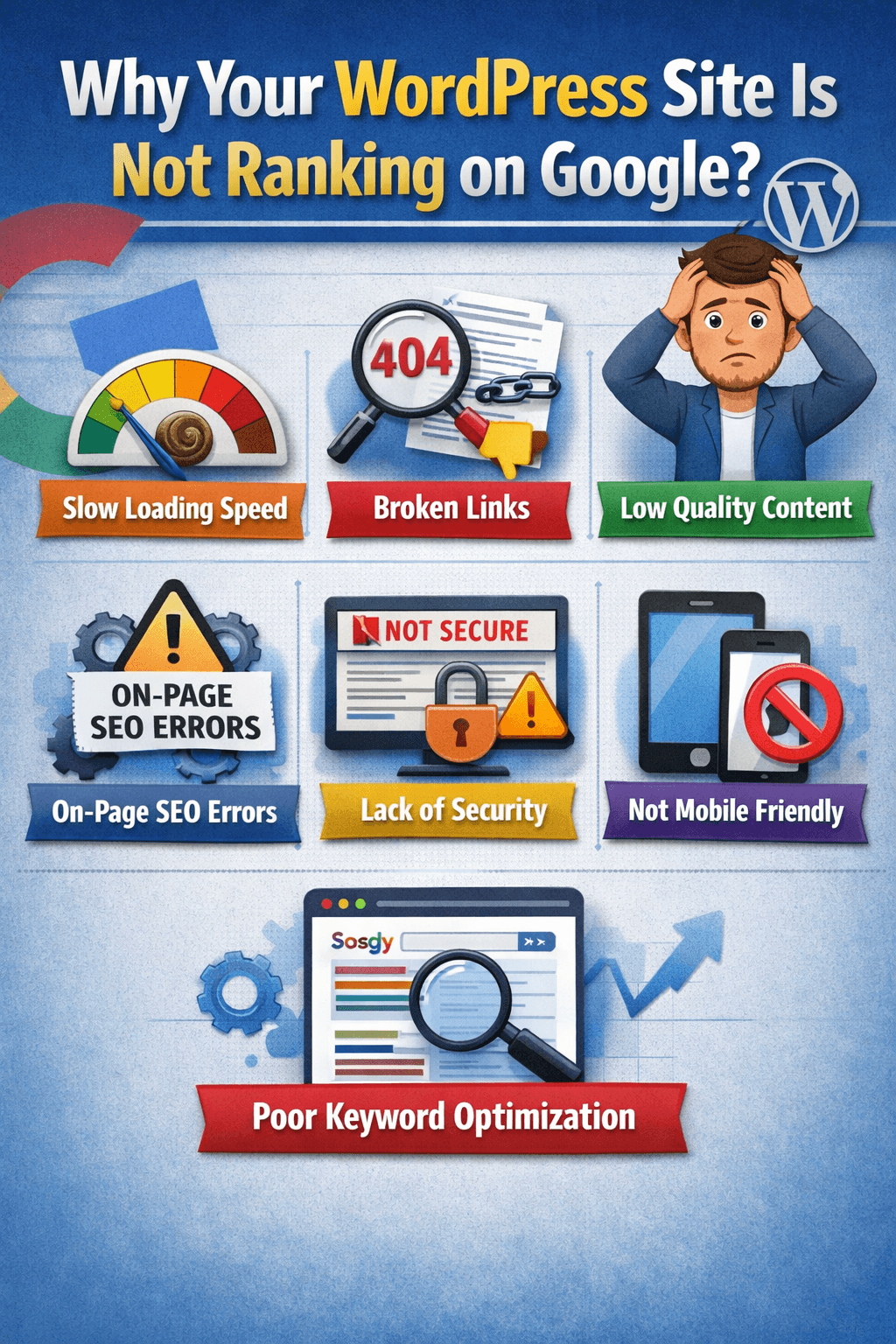
If your WordPress website is not ranking on Google, it usually comes down to a few fixable issues, not one big mystery. In many cases, the biggest problems are blocked indexing, poor keyword targeting, weak content, slow speed, and technical SEO errors.
The good news is that WordPress can rank very well when the foundation is right. Once your site is crawlable, fast, helpful, and properly structured, your chances of earning better visibility improve significantly.