Article Guide
Use these jump points to move through the article faster.
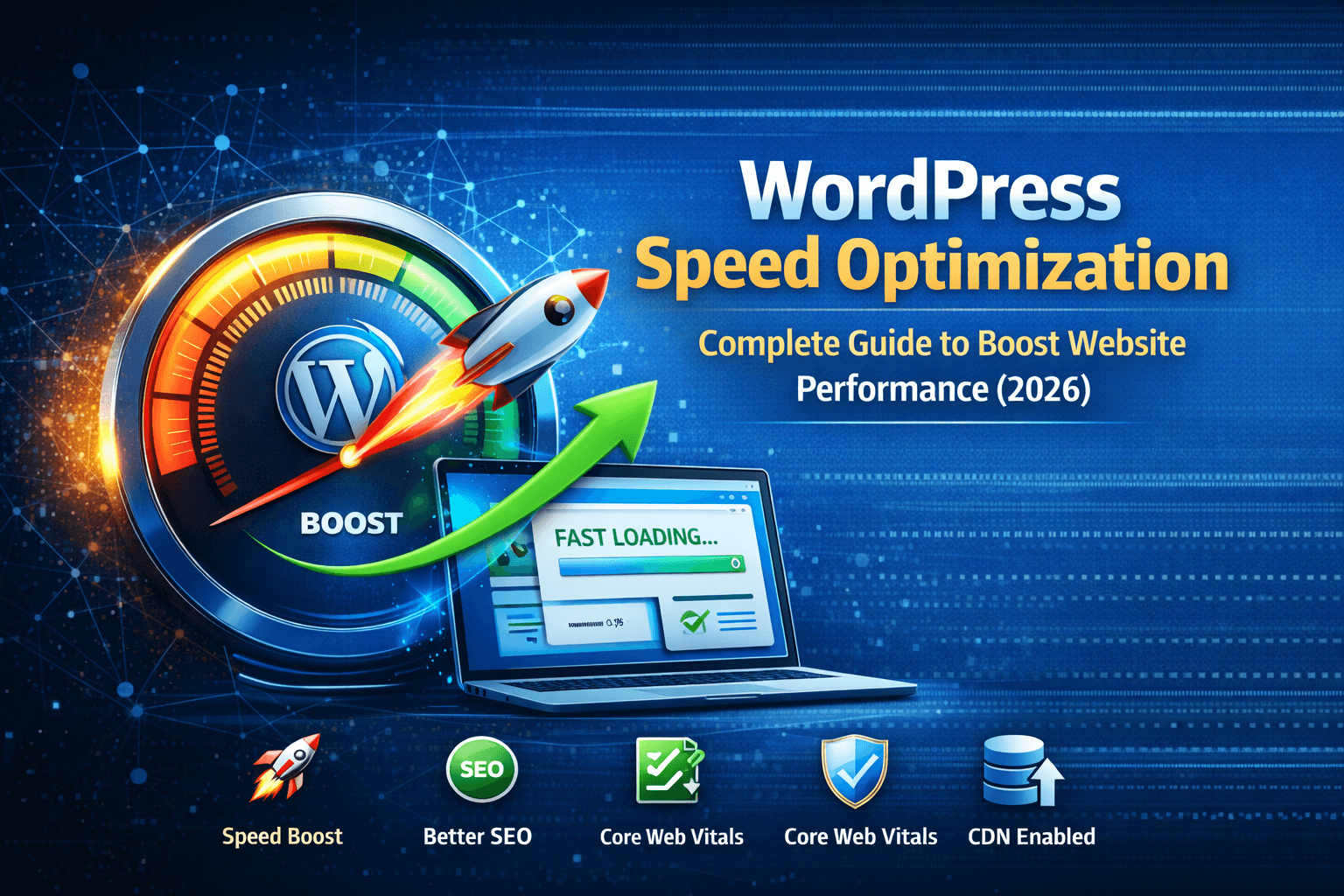
WordPress Speed Optimization: Complete Guide to Boost Website Performance
Website speed is no longer optional — it directly impacts your SEO rankings, user experience, and conversions.
A slow WordPress website can frustrate users, increase bounce rates, and reduce revenue.
In this complete guide, you will learn how to optimize WordPress speed step by step and achieve lightning-fast performance.
If you’re also facing performance issues related to Core Web Vitals, check our
Core Web Vitals optimization guide.
Why WordPress Speed Optimization Matters
- Improves Google rankings
- Enhances user experience
- Increases conversions
- Reduces bounce rate
Google considers page speed as a ranking factor, making optimization critical for SEO success.
How to Test Your Website Speed
- Google PageSpeed Insights
- GTmetrix
- Pingdom Tools
Always test before and after optimization to measure improvements.
Step-by-Step WordPress Speed Optimization
1. Choose Fast Hosting
Your hosting provider plays a major role in website performance. Shared hosting can slow down your site.
- Use managed WordPress hosting
- Choose SSD/NVMe servers
- Ensure latest PHP version
2. Use a Lightweight Theme
Heavy themes add unnecessary scripts and styles.
- Avoid bloated multipurpose themes
- Use optimized themes
3. Optimize Images
- Compress images before upload
- Use WebP format
- Enable lazy loading
Large images are one of the biggest reasons for slow loading times.
4. Enable Caching
Caching reduces server load and improves speed dramatically.
- Browser caching
- Page caching
- Object caching
👉 Instead of managing multiple plugins, you can use
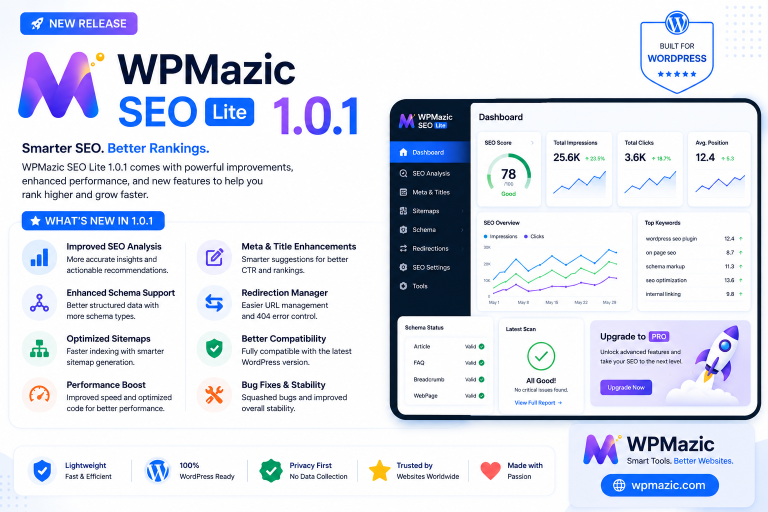
WPMazic SEO
to handle caching and performance optimization in one place.
5. Minify CSS, JavaScript, and HTML
Minification removes unnecessary characters and reduces file size.
- Remove whitespace
- Combine files
- Defer JavaScript loading
6. Use Content Delivery Network (CDN)
CDN stores copies of your website on multiple servers worldwide.
- Faster global loading
- Reduced latency
- Better user experience
7. Reduce Plugin Usage
Too many plugins slow down your website.
- Remove unused plugins
- Avoid duplicate functionality
- Use optimized plugins
👉 Using an all-in-one solution like
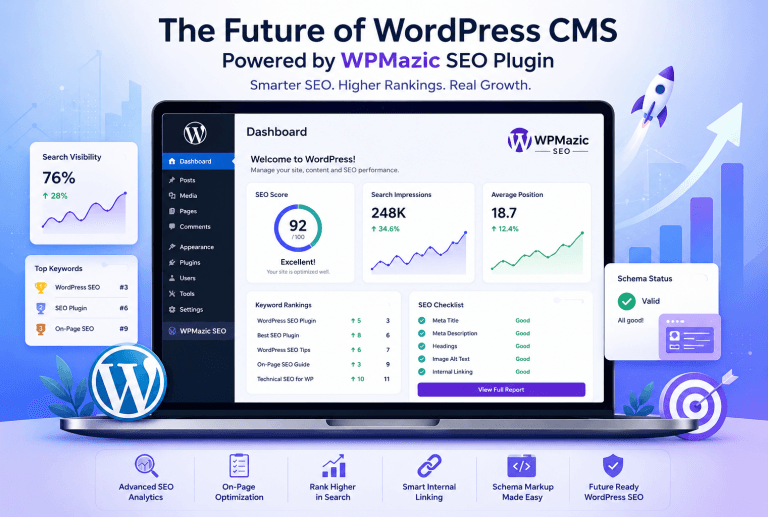
WPMazic SEO plugin
helps reduce plugin dependency and improve performance.
8. Optimize Database
- Remove revisions
- Clean spam comments
- Optimize tables
9. Enable GZIP Compression
# Enable compression
AddOutputFilterByType DEFLATE text/html text/plain text/xml text/css text/javascript
10. Reduce Server Response Time (TTFB)
- Use caching
- Optimize queries
- Upgrade hosting
Advanced Speed Optimization Techniques
1. Preload Important Resources
Load critical assets early.
2. Use HTTP/2 or HTTP/3
Improves loading efficiency.
3. Optimize Fonts
Reduce font requests and delays.
4. Lazy Load Videos
Delay video loading until needed.
WPMazic SEO,
you can optimize Core Web Vitals, caching, and performance without technical complexity.
Common Speed Optimization Mistakes
- Using heavy themes
- Too many plugins
- Not optimizing images
- Ignoring caching
- Using slow hosting
Conclusion
WordPress speed optimization is essential for better SEO, user experience, and business growth.
By implementing these techniques, you can significantly improve your website performance.
For faster results and simplified optimization, consider using
WPMazic SEO,
which combines speed optimization, SEO, and performance tools in one powerful solution.
Start optimizing today and make your website faster than ever.